
User guide

From zero to streaming.

A focused onboarding path for television, mobile and web interfaces.
Setup flow

Four steps to enter the stream.

Every card remains editable, responsive and reusable in Elementor.
01

Choose access

Select duration and screen count.
02

Receive details

Keep credentials private and secure.
03

Connect a device

Use a compatible application.
04

Start browsing

Open the catalog and choose a category.
Interface previews

Designed for every screen.

Edit every image, title and description directly in Elementor.

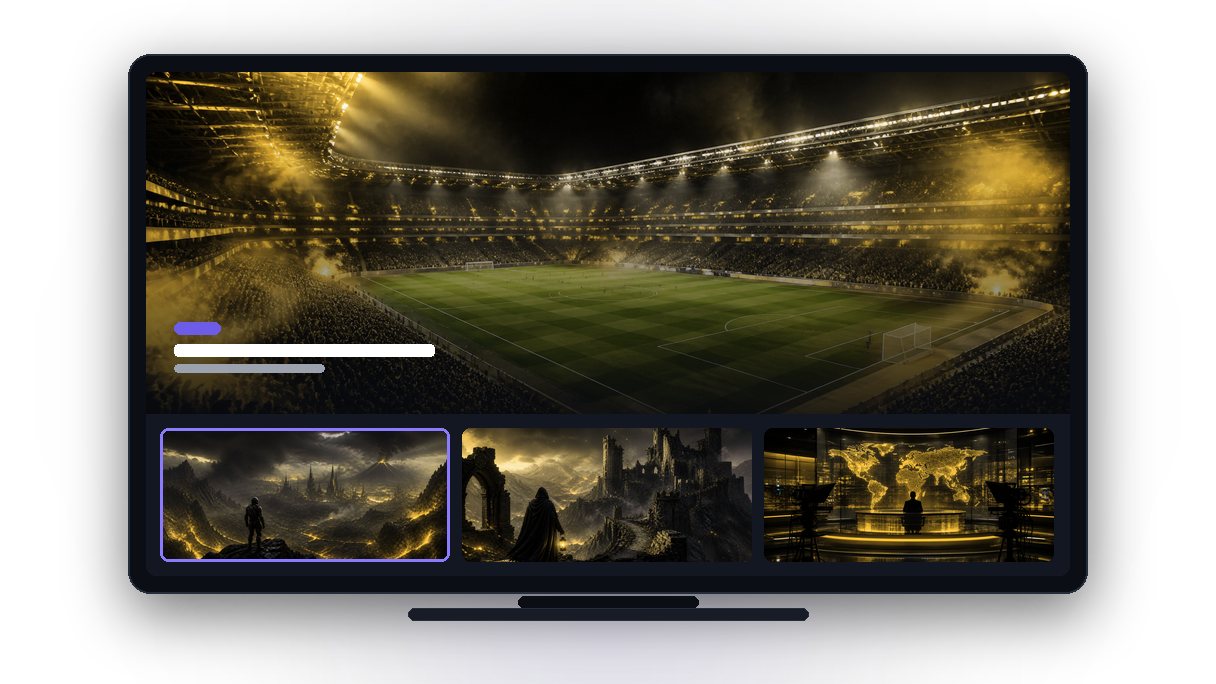
Interface TV

Strong contrast, generous controls and a layout readable from across the room.
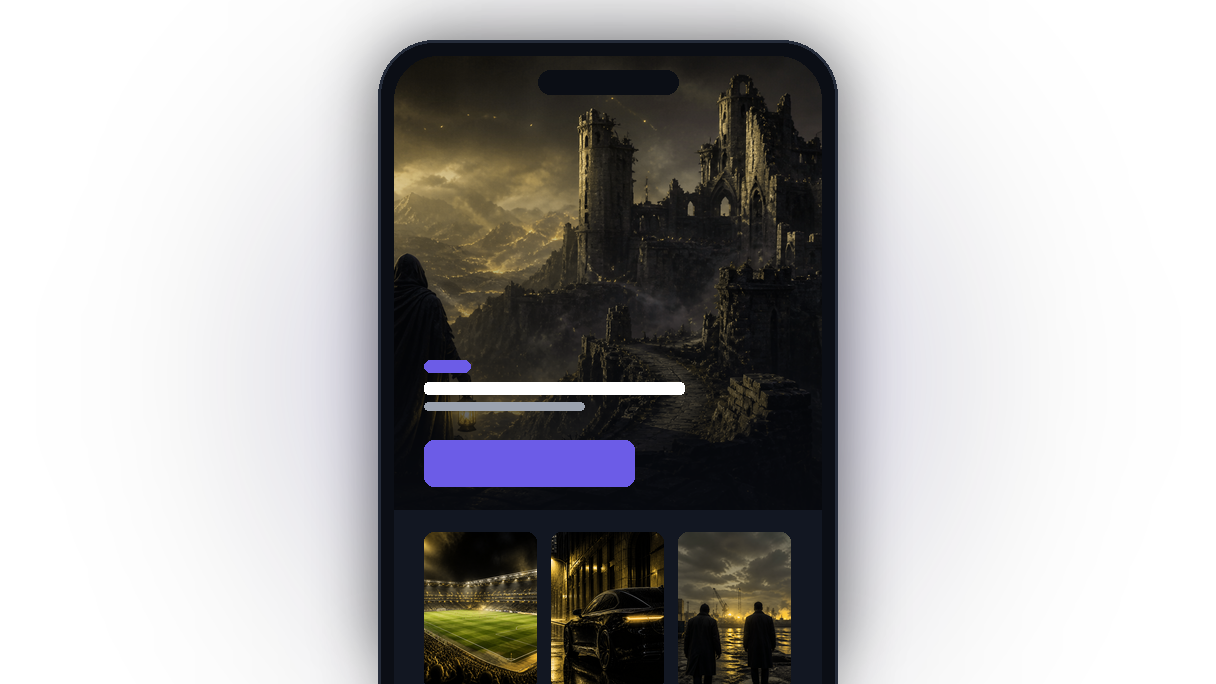
Interface Mobile

A focused mobile experience that keeps search and categories within reach.
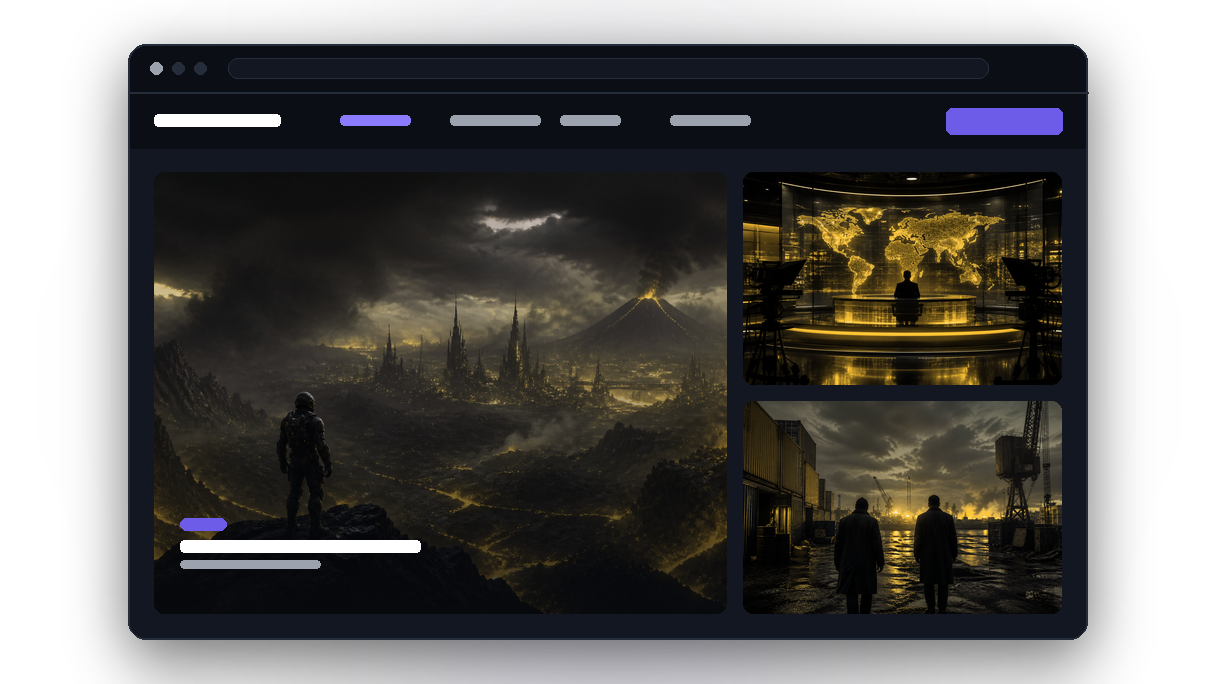
Interface Web

A wide catalog view for desktop and laptop screens.

Troubleshooting

Fix common roadblocks.

Click each row in Elementor to modify its question and answer.
Check connection speed, restart the application and reduce simultaneous traffic.
EPG coverage depends on supplied metadata.
Remote artwork may be unavailable; a monogram fallback is shown.
Confirm account status and simultaneous connections.